JyutPad
A downloadable tool
A lightweight Cantonese IME pad focused on speed and simplicity
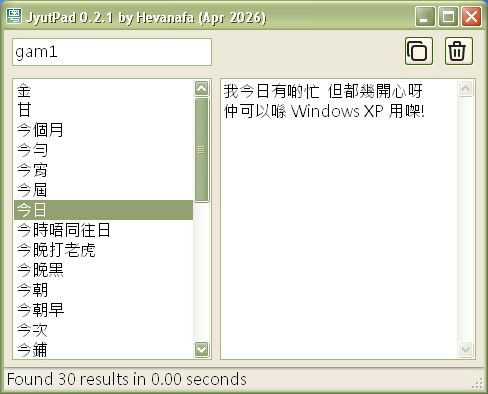
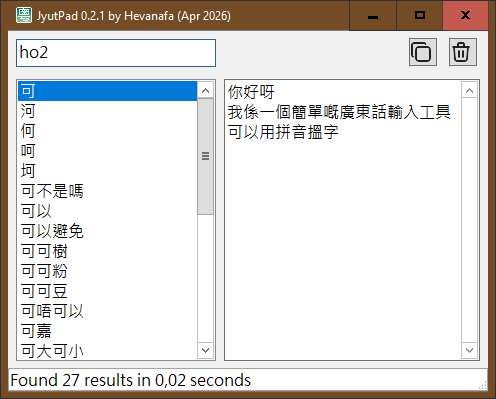
Type using Jyutping, select results either with the Enter key or double click, and the result appears on the output box on the right side
Also works on Windows XP!
This app is a small experiment in building fast and focused tools that do 1 thing well
Features
- Search by Jyutping with fast "starts with" matching
- Select results by Enter or double click
- Build output text progressively by appending
- Copy output to the clipboard with one click
How to Use
- Type Jyutping in the search box
- Select a result item (by pressing Enter from the search box, or by double clicking on the list)
- The selected word is appended to the output box
- Copy the final text when it's ready
Credits
This app is built with Lazarus IDE (Free Pascal)
Uses the CC-Canto dictionary
Based on CC-CEDICT, obtained from cantonese.org (CC BY-SA 3.0)
You can browse the source code on my GitHub
I made the icon set myself using Photoshop CS6
Download
Install instructions
- Download and extract the archive
- Run jyutpad_[version].exe
No installation is required
Leave a comment
Log in with itch.io to leave a comment.